
How to Get a Reddybook ID on WhatsApp: Step-by-Step UTR Walkthrough

If you have never used a WhatsApp cashier desk to open an online cricket exchange account, you probably want to know what every single message and screen prompt looks like before you send ₹100. Why does Reddybook issue IDs over WhatsApp instead of a normal web checkout page? Because automated Indian payment gateways routinely hold sports and gaming transfers in a 72-hour pending state, whereas a direct human cashier checking a live bank terminal can verify your 12-digit NPCI UTR number in 120 seconds.
This step-by-step walkthrough shows you exactly what to message, how to capture the right UPI receipt screenshot on PhonePe, Google Pay, or Paytm, what happens during your mandatory first-login password change, and how to pin the web app to your phone home screen.
Step 1: Starting the WhatsApp chat and choosing Demo or ₹100 Live ID
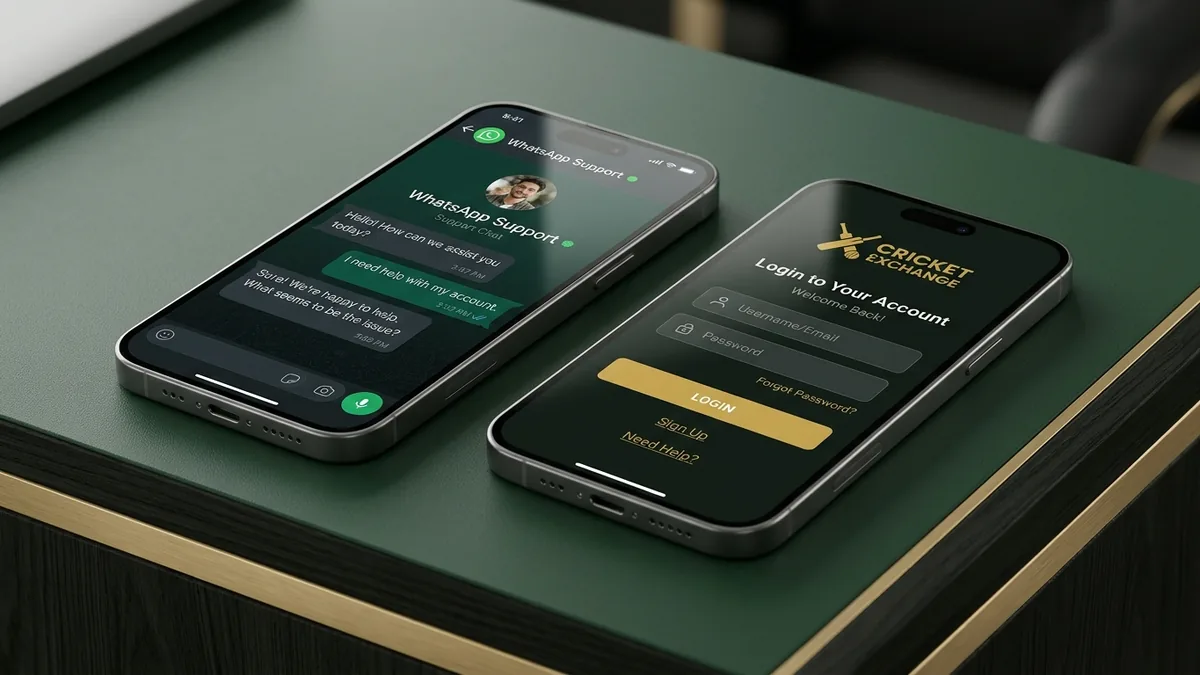
Tap any WhatsApp CTA button on reddy-book.io to open a direct chat with our 24x7 desk. Tell the operator whether you want a free virtual-chip Demo ID or a ₹100+ live Reddybook ID.
When you tap any green or forest button on this site, your phone opens a verified WhatsApp chat with our cashier desk. You do not need to type a formal paragraph or share your full home address. Just send a short line like `Need new Reddybook ID` or `Send Demo ID first`.
Many first-time visitors ask us if there is a specific time of day that is best for opening a new account. While our human WhatsApp desk is open 24 hours a day, 365 days a year, the calmest window to walk through your first setup and test the screen with a free Demo ID or a ₹100 deposit is either between 11:00 AM and 1:00 PM IST (right before the afternoon Australian Big Bash or domestic matches begin) or between 4:30 PM and 6:30 PM IST (two hours before the 7:30 PM IST evening T20 first ball). Opening your ID an hour before the toss gives you plenty of quiet time to complete your forced password change, explore the Match Odds and Session Fancy tabs, and ask our operator any questions without feeling rushed by the opening over.
If you ask for a Demo ID, the operator immediately replies with a viewer URL, a demo username, and a demo password preloaded with virtual points so you can click around the live cricket odds board and 40 casino tables risk-free. If you ask for a live ID, the operator sends our currently active receiving UPI QR code and VPA handle within thirty seconds.

Step 2: Paying ₹100+ by UPI and capturing the 12-digit UTR number
Transfer ₹100 or more using PhonePe, Google Pay, Paytm, or BHIM, tap the transaction receipt to expand the 12-digit UTR number, and send both the screenshot and typed UTR in WhatsApp.
Open your preferred UPI app and scan the QR code or pay the UPI ID our operator just sent you. Remember our golden cashier rule: never pay an old UPI ID from your payment history without asking in chat first, because merchant receiving accounts rotate when daily NPCI volume limits fill up.
Once your ₹100 transfer completes, do not just screenshot the initial green tick animation if it hides the reference code. Tap `View Details` or the downward arrow on your PhonePe, Google Pay, or Paytm screen so the 12-digit numeric UTR (`Unique Transaction Reference`) is clearly visible. Send that screenshot into the WhatsApp chat, and paste the 12 digits in text alongside it. Pasting the digits lets our cashier run a direct terminal lookup in ninety seconds even during peak 7:20 PM IST IPL toss congestion.
Step 3: Logging into the panel mirror and changing your starter password
Once our cashier confirms your UTR, you receive your active panel mirror link, username, and one-time starter password. Sign in and set your own private alphanumeric password on the forced first screen.
Within two to four minutes of sending your UTR screenshot, our operator replies with three lines: your active HTTPS panel URL, your unique username, and a temporary starter password. Tap the link to open the login screen in mobile Chrome or Safari.
The moment you enter the starter password and tap Login, the panel automatically opens a `Change Password` gate before letting you enter the match lobby. Type a new private password (at least 8 characters mixing letters and numbers) that only you know, and hit Save. Your top-right wallet header will immediately display `Balance: 100.00` and `Exposure: 0.00` with zero bonus lock.
Step 4: Pinning the web app to your phone and placing your first ₹100 slip
Use your browser's Add to Home Screen option to pin the Reddybook panel as a one-tap mobile web app, then open any live cricket match to trade blue Back or pink Lay odds from ₹100.
Before you place your first trade, tap the browser menu in Android Chrome or the Share icon in iOS Safari and select `Add to Home Screen`. That pins our hexagonal shield icon directly onto your phone screen so you never have to search Google for login links again.
Let us also cover what you should check inside the `Open Bets` and `Profit & Loss` tabs before you place your first live ₹100 slip on a cricket match. When you tap a blue Back or pink Lay price box, a confirmation drawer slides up from the bottom of your screen showing four numbers: your chosen odds, your stake input box, your potential profit in green, and your exact rupee exposure or liability in red. Nothing is locked until you tap the green `Place Bet` button inside that drawer and wait for the brief three-second in-play countdown bar to finish. Once the bar completes, a green toast notification confirms `Bet Matched` and your slip moves into the `Current Bets` list below the scoreboard.
Once you are logged into your new account for the very first time, take thirty seconds to tap your username in the top corner and open the `Chip Settings` or `One-Click Stake` preferences menu. Inside that menu, you can customize the four quick-stake buttons that appear inside your bet slip, changing the default buttons to `₹100`, `₹200`, `₹500`, and `₹1,000` so that when a session fancy line jumps in your favour during a live over, you can tap your exact rupee stake with one thumb press instead of typing digits on your phone keyboard while the four-second countdown is running.
Now tap the Cricket or In-Play tab. You can trade decimal Match Odds, zero-commission Bookmaker bhav, or 6-to-20 over session fancy brackets across IPL betting ID, KFC BBL betting ID, and international series. And whenever you are ready to cash out, read our deposit and withdrawal rules for 10 to 25 minute bank payouts.
| Payment App | Label Shown on Receipt | Format Example | Where to Tap on Screen |
|---|---|---|---|
| PhonePe | UTR | 12 digits (e.g., 432318940215) | Tap 'Transfer Details' arrow under the green tick |
| Google Pay (GPay) | UPI transaction ID | 12 digits (e.g., 432319004128) | Tap the completed payment bubble to expand details |
| Paytm | UPI Ref No | 12 digits (e.g., 432320118934) | Tap 'View Details' below the amount box |
| BHIM / Bank UPI | RRN / UTR Number | 12 digits | Shown directly on the transaction confirmation receipt |
| IMPS NetBanking | IMPS Reference / RRN | 12 digits | Listed in transfer confirmation & bank SMS alert |
Frequently asked questions
8 Verified AnswersHow long does the whole ID creation process take?
From your first WhatsApp message to logging in with your funded ₹100 wallet takes 2 to 4 minutes during normal hours (and 5 to 7 minutes during the 7:15 PM IST IPL toss rush).
Can I open an ID without depositing money first?
Yes, you can ask our WhatsApp operator for a free Demo ID loaded with virtual points to test the interface first. When you want a personal live trading account, the minimum deposit is ₹100.
What if I forget to include the 12-digit UTR in my screenshot?
Simply open your PhonePe, Google Pay, or Paytm history, tap the transaction to expand the 12-digit UTR, and either send a new screenshot or type the 12 digits into the WhatsApp chat.
Do I ever have to upload my Aadhaar card or PAN card?
Never. We do not collect KYC document photos. Your 12-digit UTR verifies your deposit, and withdrawals return strictly to the same bank/UPI account that funded your ID.
Can I choose my own username when opening a Reddybook ID?
Yes. When you send your ₹100 UPI screenshot, tell our operator your preferred short username prefix and we will assign it with a unique numeric suffix.
Is there any fee deducted from my ₹100 deposit?
No. Account creation is ₹0 and deposit fees are ₹0. Your full ₹100 lands in your wallet as 100 unlocked points.
What if my starter password says invalid on my first sign-in?
Make sure your phone keyboard did not auto-capitalize the first letter or add a space at the end when pasting. If needed, message the WhatsApp chat and the operator will re-issue the token in 30 seconds.
What time is the WhatsApp desk open for new IDs?
Our human cashier desk operates 24 hours a day, 7 days a week, including late-night international tours, Sundays, and national holidays.
Ready to Trade? Open Your Reddybook ID From ₹100
Message our 24x7 human WhatsApp desk right now. Send ₹100 via PhonePe, Google Pay, or Paytm, verify your 12-digit UTR in 2 to 4 minutes, and get 100 unlocked points with zero rollover lock.

Reviewed by Vikramaditya Rao
Senior Exchange Desk Coordinator & UPI Operations LeadVikramaditya Rao has managed night-shift cricket exchange onboarding, NPCI 12-digit UTR reconciliations, and session fancy risk books across Indian T20 and Australian Big Bash windows since 2019. He writes directly from the WhatsApp verification desk so first-time punters understand lay liability, mirror rotation, and source-to-source bank payouts before risking a rupee.
- ✓ 7+ years managing live WhatsApp cricket exchange ID desks in India
- ✓ Audited over 48,000 PhonePe, Google Pay, Paytm & IMPS UTR settlements
- ✓ Specialist in Back/Lay liability math, 6-over session lines & mirror routing
Verified Sources & References
- NPCI Unified Payments Interface (UPI) 12-Digit UTR Clearing Standards.
Affiliate & Desk Disclosure
reddy-book.io is an independent affiliate and WhatsApp ID-opening desk that issues and services player accounts on the Reddybook exchange. We are not the corporate software operator. Real-money gaming is restricted to adults aged 18+ and prohibited in Telangana, Andhra Pradesh, Tamil Nadu, and other restricted states. Last updated: 18 November 2026.
Related Reddybook Exchange & Tournament Guides
Reddy Book New ID Guide →
First-timer bankroll and ₹100 test routine guide.
Deposit & Withdrawal Rules →
Complete UPI, IMPS, and 10 to 25 minute withdrawal documentation.
Reddybook Login & Mirrors →
How to handle ISP blocks and password lockouts.
Reddybook Home & Live Scoreboard →
Return to the main exchange hub and live cricket scoreboard.